
On day one of the AIE Code Summit, OpenAI demonstrated how developers can steer Codex via voice, hand off work to the cloud, and leverage dots.
Nov 11 · 6 min read
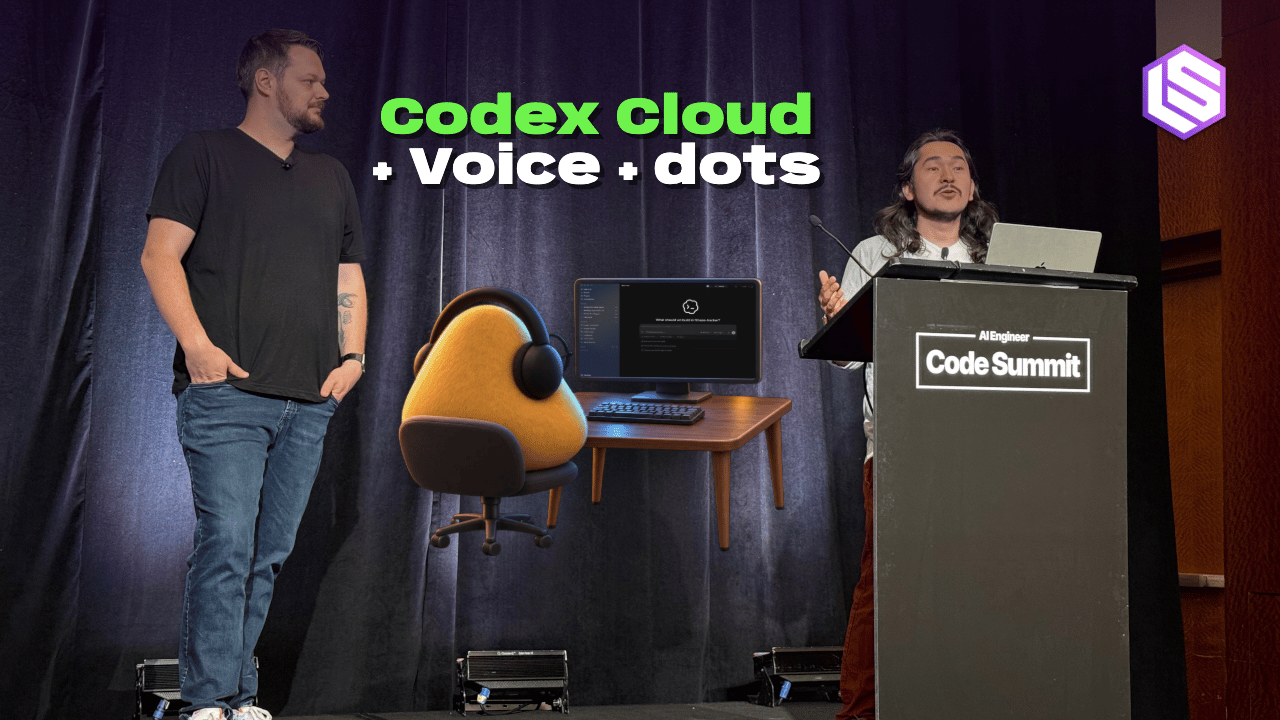
The AI Engineer Code Summit kicked off today with a series of workshops, including sessions from leading frontier labs OpenAI, Anthropic, and Google DeepMind. I attended the OpenAI workshop, which had an intriguing theme—“New Ways of Working with Codex”—hosted by Developer Experience Engineers Dominik Kundel and Charlie Guo.
Over the past year, major frontier labs have been rolling out continuous product upgrades to their coding agents. However, not all of these changes have gone smoothly. For instance, moving to the cloud still leaves many users of Codex, Claude, and Antigravity confused.
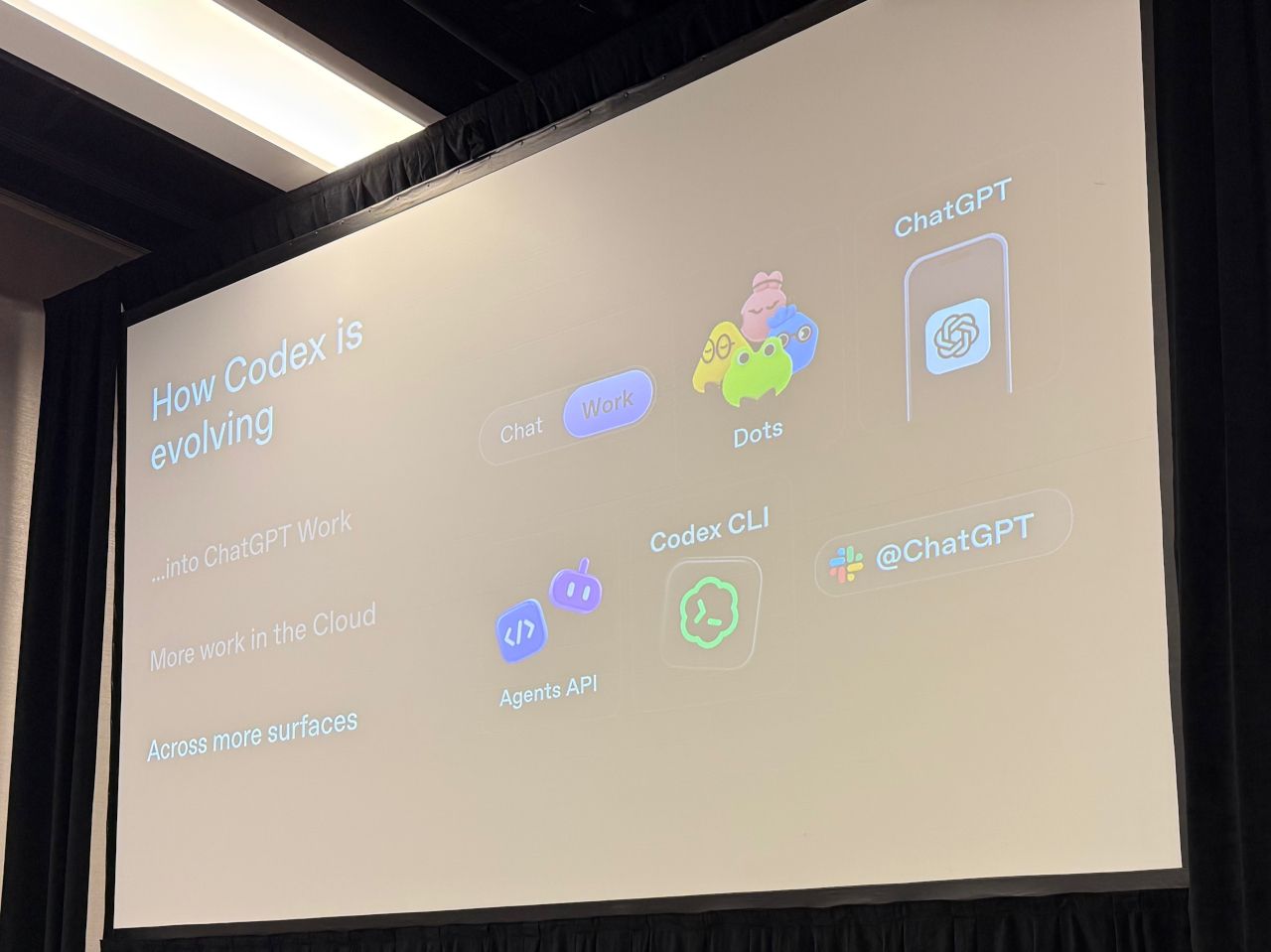
A diagram of Codex’s evolution presented at today’s OpenAI workshop.
We are also seeing new ways to collaborate with agents. Personal agents like OpenAI’s dots and Anthropic’s Claude Duet can assist across different sessions, while voice mode offers developers an alternative way to steer coding tasks.
OpenAI’s workshop covered all three of these areas, and after the session, I also asked Kundel a few follow-up questions on these topics.
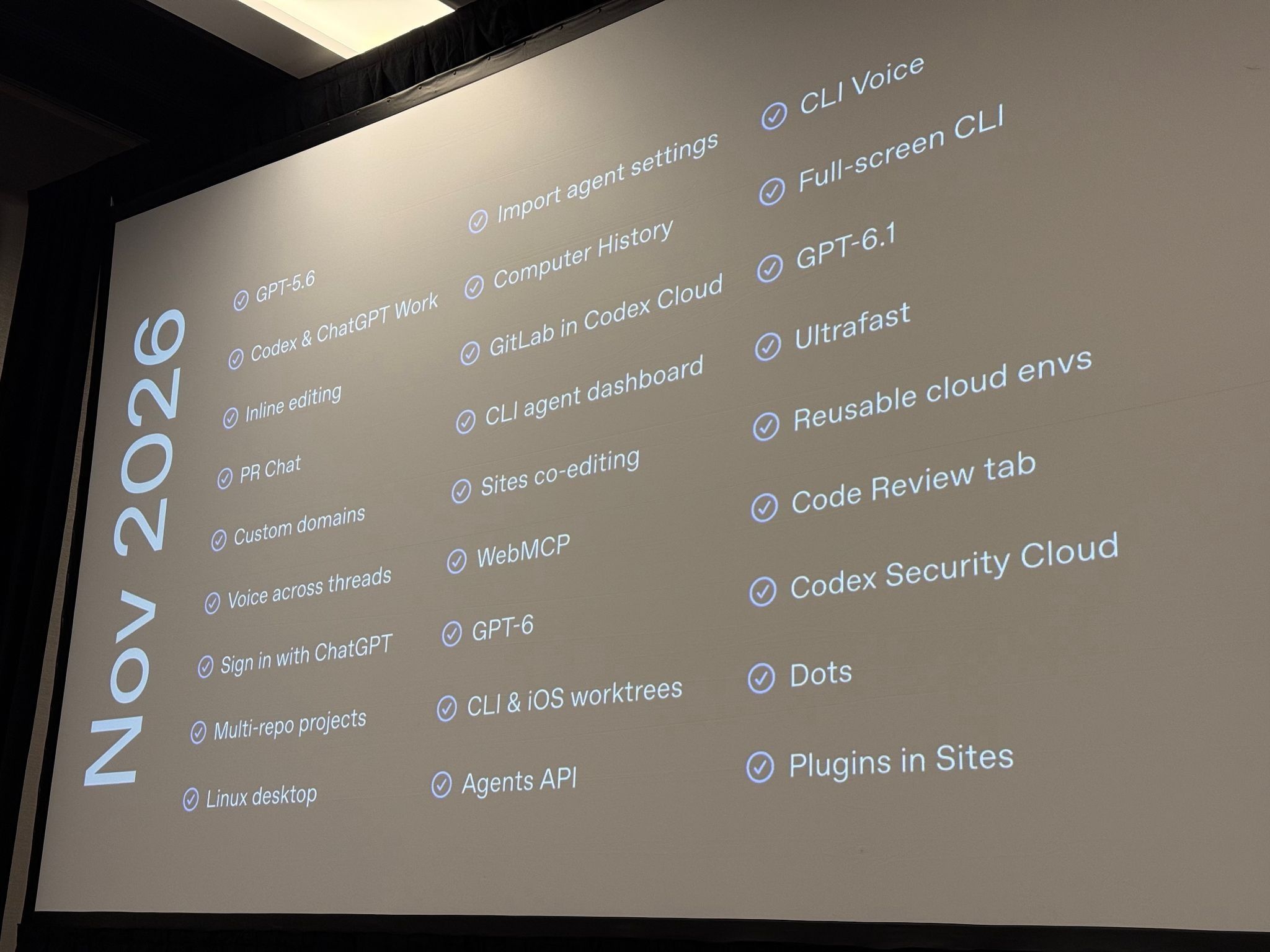
Guo kicked off the workshop by listing the slew of features they have shipped in Codex since the AI Engineer World’s Fair in June 2026. “I had to trim this list down just to make it fit on the screen because there was simply too much to put in,” he said. “I think the shipping velocity of the team has been incredible.”
A Clunky Cloud Transition
Codex launched in May 2025, positioned as “a cloud-based software engineering agent that can work on many tasks in parallel.” However, Kundel admitted that “it took a bit of time for the models and harnesses to balance out so that we could build a really compelling experience.” In other words, the cloud aspect of Codex was often a bit clunky in terms of user experience.
That began to change after DevDay in late September, with the official release of the completely revamped Codex Cloud v2. Suddenly, cloud usage became much more practical. As the DevDay announcement put it, you “can finally close your laptop while your agent keeps working.”
As explained in the official workshop recap post hosted on ChatGPT Sites, the new version of Codex Cloud allows you to “publish an environment once and run multiple tasks in isolated instances of that configuration.”
“If you work at a company, these environments can be shared internally, or you can just create your own,” Kundel said regarding these cloud environments. “You simply start by selecting the GitHub repository you want to access.”
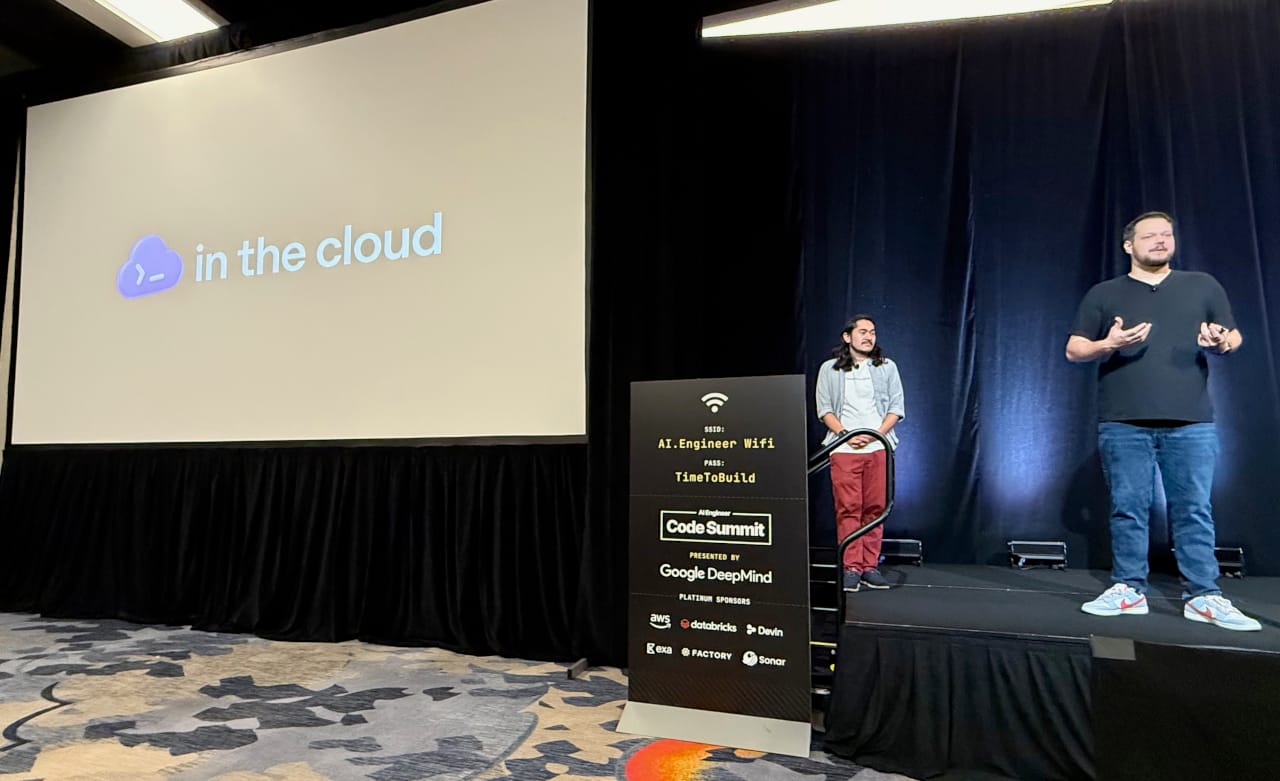
After the workshop, I confessed to Kundel that I still found Codex’s cloud features confusing—for example, when I start a task locally and later want to migrate it to the cloud.
“We definitely want to make that easier,” Kundel replied. “Part of that will come down to managing the context diff. For example, what I ended up doing yesterday when I was working on something locally was simply asking Codex to hand it off to the cloud.”
This handoff to the cloud is exactly what OpenAI is trying to improve for users.
To demonstrate, Kundel reopened an existing cloud task on the web and showed me that its Appshot (a new feature that lets you save an app experience to ChatGPT) was still there. For tasks started locally, he described how to ask Codex to push a branch and kick off a new cloud thread.
Codex Cloud is now “just a backend, like another executor where the task runs,” he continued. “So, in that same vein, you can actually ask