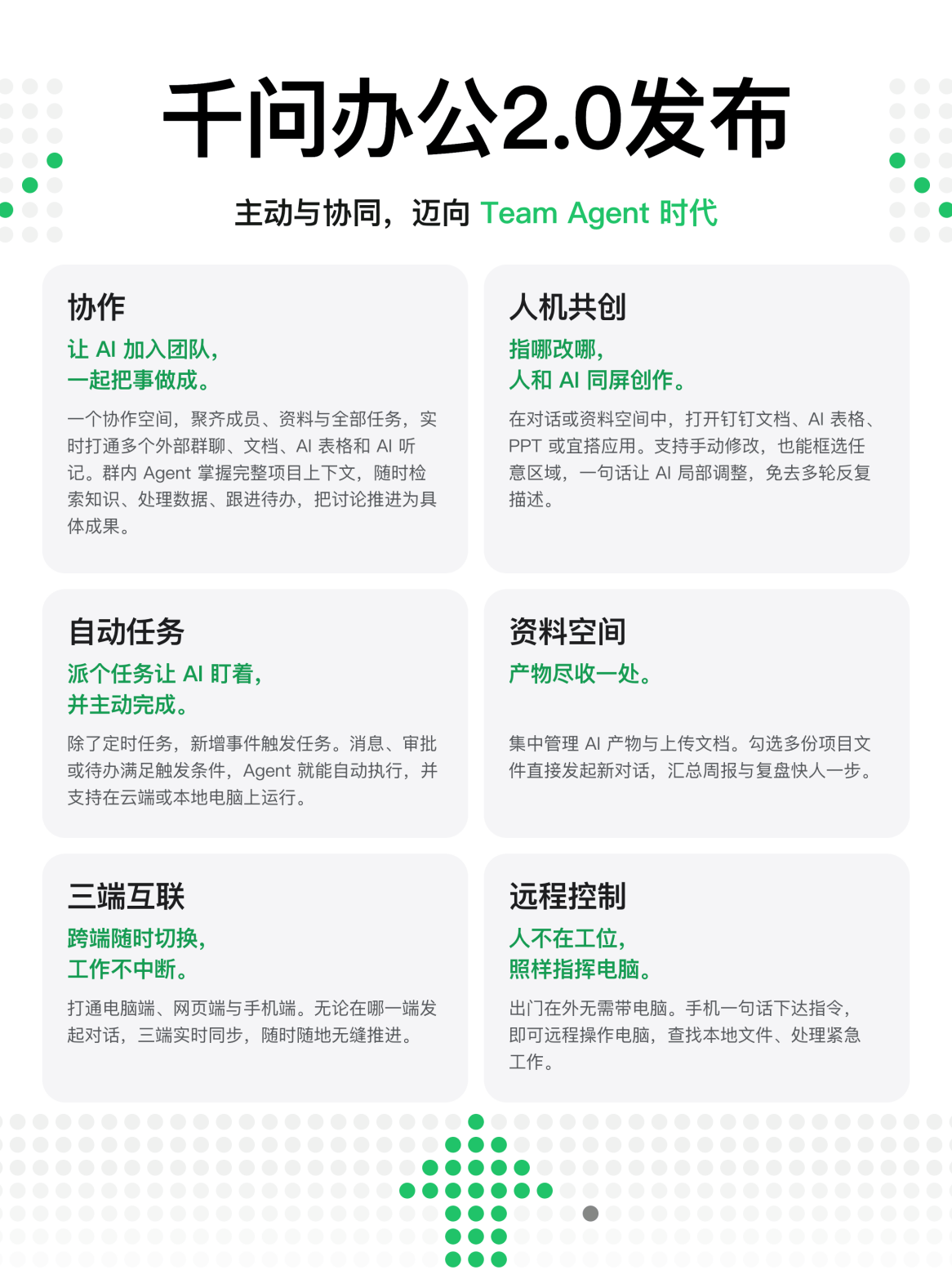
Qwen Office 2.0 Released on November 9
On November 9, Qwen Office officially launched version 2.0, marking its most significant update since its debut three months ago. The new version introduces the industry’s first multi-user and agent collaborative feature—“Collaboration”—alongside core capabilities such as “Human-AI Co-Creation,” “Knowledge Space,” “Automated Tasks,” and “Cross-Device Sync.” These features push AI agents beyond serving individuals toward empowering teams and entire organizations. All of these features are now fully available on the Qwen Office client.
In its official blog post published the same day, titled Qwen Office 2.0: Proactive and Collaborative, Stepping into the Team Agent Era, Qwen Office pointed out that mainstream workplace agents still primarily focus on individual users without fundamentally transforming team collaboration. The next generation of agents must step directly onto the front lines of team collaboration.
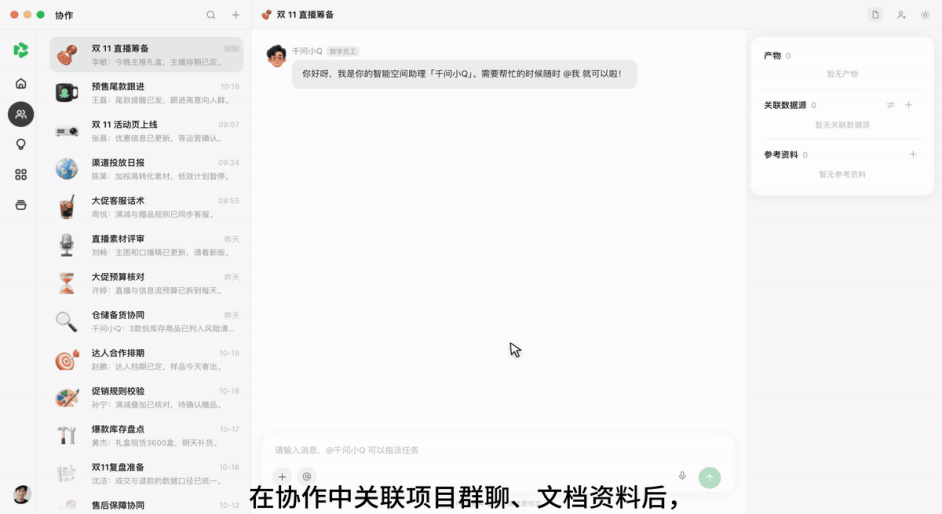
The new “Collaboration” feature pioneers bringing agents directly into work group chats, enabling users to set up shared collaboration spaces where team members and digital employees work side by side. In real-world workplace scenarios, complex project information is often scattered across multiple group chats and meeting notes, previously forcing team members to manually copy and consolidate data. Today, digital employees within these collaboration spaces can link multiple DingTalk group chats, documents, AI Spreadsheets, and AI Transcripts in real time. Beyond supporting parallel multi-turn conversations, they also feature task management and assignment capabilities. Once a team member assigns a task in the collaboration space, the digital employee can analyze the context to track progress, summarize consensus, and automatically create and follow up on action items.
According to reports, the coupon operations team at Intime Department Store has significantly improved efficiency using this feature. Previously, five operations staff had to manually collect coupon submission requests across more than 60 store group chats, verify the data, and input it into spreadsheets. Now, the team connects these store chats with a single AI Spreadsheet in a shared collaboration space. Without altering their existing communication workflows, the agent automatically aggregates information across groups and updates the spreadsheet, substantially reducing the workload for operations staff.
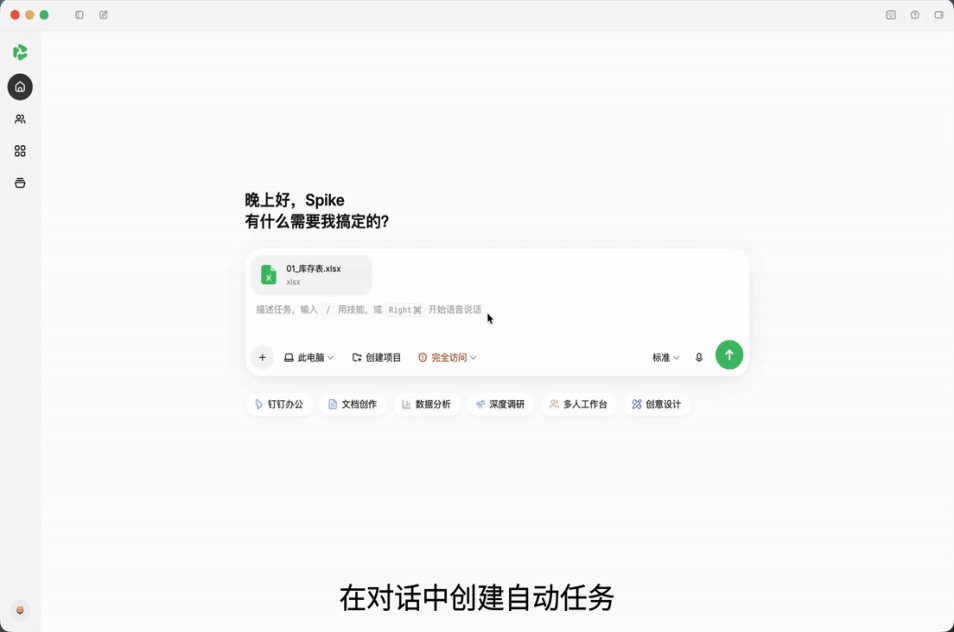
The newly introduced “Automated Tasks” feature advances agents from “passive responders” to “proactive executors” for the first time. The Qwen Office official blog noted that next-generation enterprise agents should actively perceive business needs and advance tasks autonomously, rather than merely waiting for user prompts. With “Automated Tasks,” users can subscribe to events and configure custom rules; once conditions are met, the agent automatically kicks off execution. In its initial release, the feature supports various trigger scenarios, including messages from specific contacts, @mentions in groups, and approval workflows.
Taking offline store management as an example: regional managers typically oversee multiple stores simultaneously, where out-of-stock notices from stores can easily get buried in flooded chat feeds. Now, a regional manager only needs to set up a rule in “Automated Tasks”: “When someone @mentions me in the group reporting an out-of-stock item, automatically check the inventory table and initiate a stock transfer request.” Whenever a store associate reports a shortage, Qwen Office analyzes the chat context, verifies the inventory, and logs transfer details into the spreadsheet automatically—eliminating the need for managers to monitor chats around the clock.
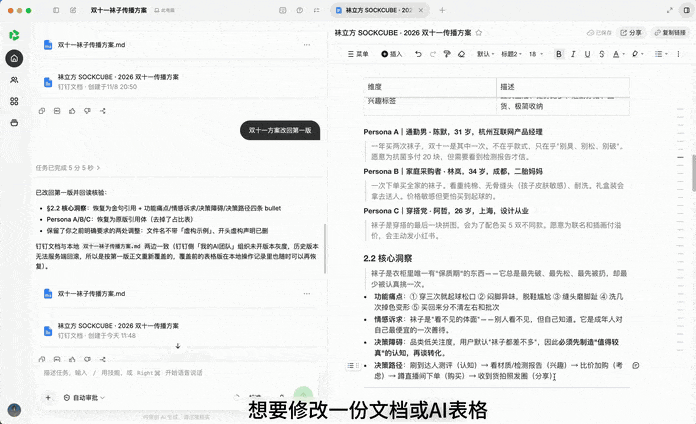
Qwen Office also rolled out “Human-AI Co-Creation,” seamlessly bridging conversations, content previews, and editing. With this capability, users no longer need to switch between multiple applications. They can review document previews and provide feedback directly in the chat window. Users can also select text paragraphs, table cells, slides, or app components, batch-tag multiple comments, and submit them in a single click. The AI will then apply the revisions directly within the original document. For online docs, AI Spreadsheets, and YiDA low-code applications, this feature also supports real-time co-creation between multiple users and multiple agents.
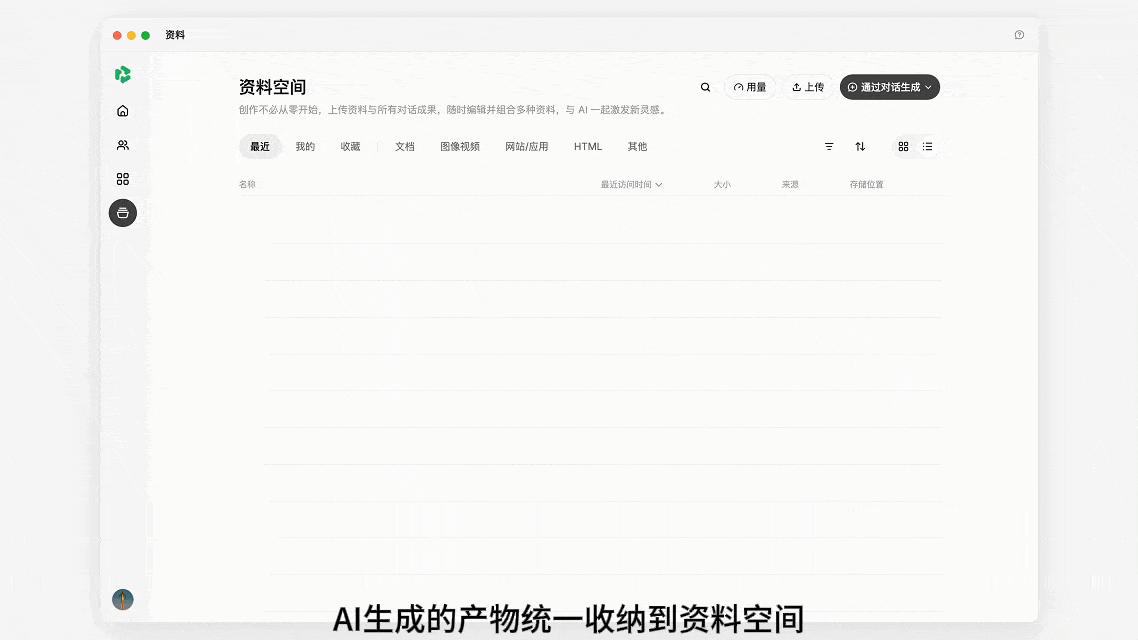
The newly launched “Knowledge Space” consolidates AI-generated and user-uploaded images, documents, spreadsheets, slides, web pages, applications, and local files into a unified repository, supporting efficient viewing, retrieval, and sharing. After selecting one or more files, users can immediately start a new conversation or refine the content via “Human-AI Co-Creation.” For example, users can select multiple industry research documents and generate a comprehensive go-to-market plan with a single click.
In addition, Qwen Office 2.0 further expands cross-device accessibility, offering real-time synchronization of task progress, conversations, and generated assets across mobile, desktop, and web clients. Because tasks execute in the cloud, background jobs continue running smoothly even if the computer is turned off. With user authorization, tasks on desktop can also be controlled remotely from mobile devices when stepping away from the desk.
As the industry’s first enterprise-grade agent, Qwen Office previously integrated with leading enterprise messaging platforms such as DingTalk, Feishu, and WeCom. As the atomic capabilities of IM apps, native Office tools, and SaaS applications become deeply integrated into the agent client, Qwen Office is fully evolving into an enterprise-ready Team Agent, redefining the paradigm of human-AI collaboration.