
OpenAI’s Pro Tips for Getting the Most Out of Codex
Wenle reporting from Aofeisi
QbitAI | Official Account QbitAI
The new hire really is holding nothing back.
Jason Liu, the author of Instructor, the 13k-star open-source library, had only recently joined OpenAI’s Codex team, and he was already generously handing out API credits on social media;

He also wrote a piece on Codex-maxxing, spilling all his personal Codex tricks.

This is the kind where Codex automatically follows up on Amazon refunds, checks Slack on a schedule for incoming requests, and keeps working with Heartbeats while you’re in the shower.
By the end of April, Codex’s weekly active users had already surpassed 4 million, and now we finally have an “official user guide.”
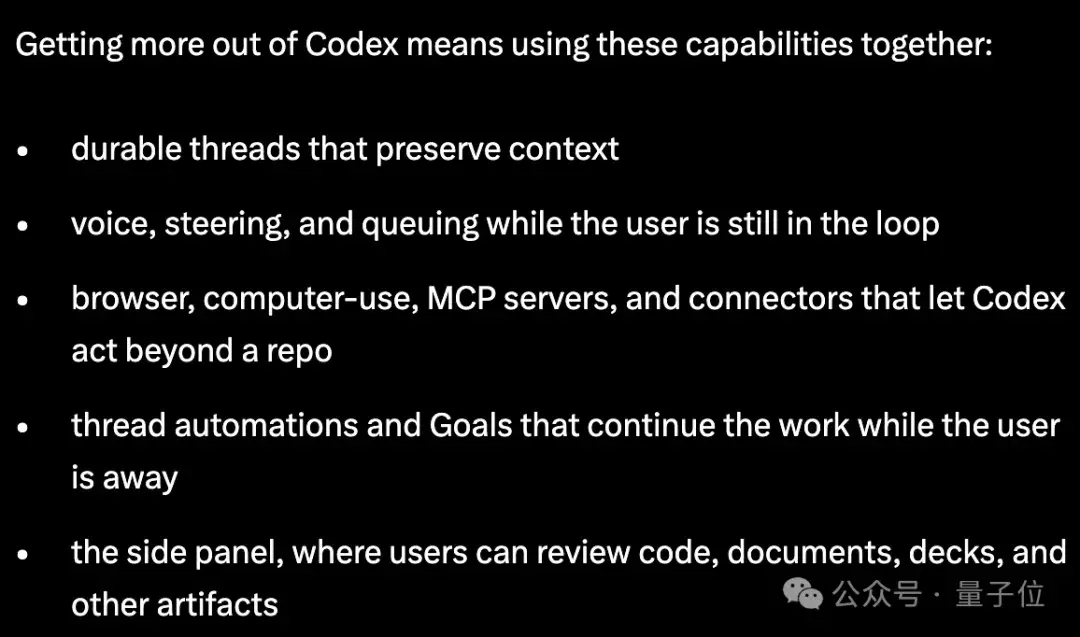
Coincidentally, Codex also got another update these past couple of days: Appshots screenshot ingestion, Goal mode officially promoted to stable, and remote work even after the screen locks.

Put that together with Jason’s workflow philosophy, and it becomes clear that what everyone is competing over now is who can keep working longer, and who can truly be put on the job…
Let It Run on Its Own
The core of Jason’s entire setup is turning Codex into a long-running work system that can continuously take over tasks.
Most people are used to ending a session after a single Q&A exchange, but Jason keeps a bunch of massive threads that survive across months running, and never shuts them down casually.
He gives each workflow its own pinned thread: one for scheduling, one for open-source projects, one for social media monitoring… and jumps between them with Command-1 through Command-9.
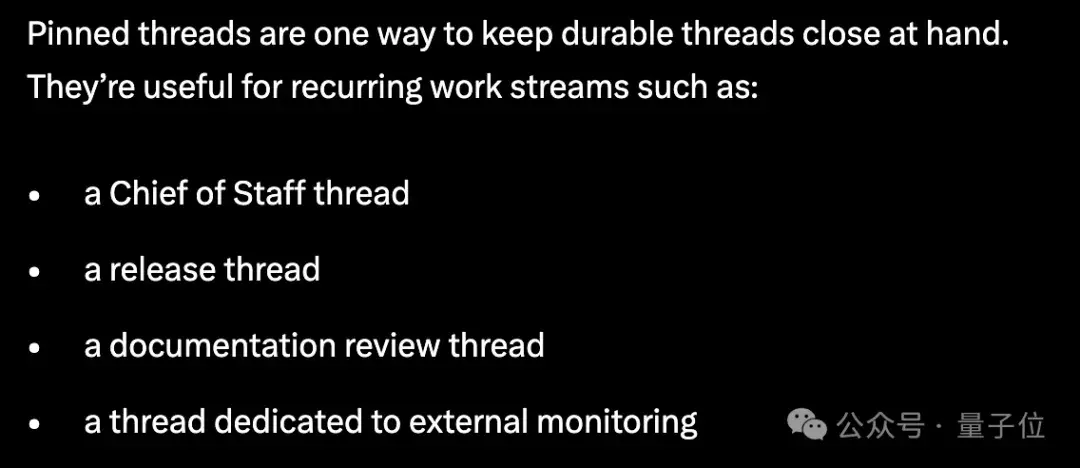
The threads accumulate months of conversation history, preferences, and decisions. When he comes back to use them again, there’s no need to restate the context, and the Agent can pick up where it left off automatically.
Once the thread lifecycle is extended, project background, communication habits, and historical decisions naturally settle in, and the Agent starts to develop continuity.
And Jason doesn’t type out tasks; he mostly speaks them.
In his view, speaking preserves the original thought process in full. There’s no need to over-optimize prompts—you can simply throw vague, jumping, source-tracking ideas to the Agent as-is.
Combined with Codex’s Steering feature, he can even append instructions while the Agent is already executing a task—say it and move on, no need to wait around.
But what really turns Codex from a tool into an employee is the Heartbeats + @computer combo.

At its core, Heartbeats is like adding a scheduled task scheduler layer for the Agent.
Jason has a Chief of Staff thread that runs every 30 minutes—
It scans Slack and Gmail to see whether there are any messages that need replies, assesses priority, and drafts responses for anything that should be answered, but does not send them; humans still make the final call on whether to send.
He also gave a more complex example: for animation projects, he first sends the video to a Slack review thread, then has Codex check that thread every 15 minutes.
If a colleague leaves feedback, Codex rerenders a new version and replies in the thread.
Since the Slack MCP server still doesn’t support file uploads, the Agent will even call @computer itself to click the “Add file” button and upload the rendered file.
There was also a time when Jason told Codex to keep an eye on the Amazon customer service queue before he went to shower, and by the time he came back, the refund had already arrived.
Workflows like this can now be extended to Google Docs comments, GitHub PR reviews, and more—whenever there’s feedback, the next step is automatically pushed forward.

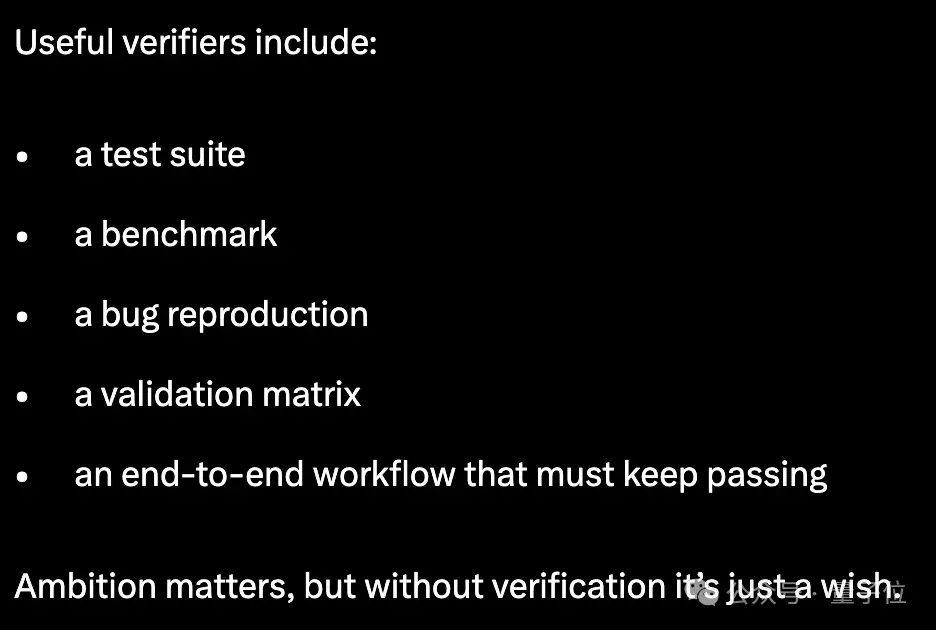
The point Jason stresses most is the verification mechanism, which determines when a task should end.
He once had Codex fully port the Python Rich library to Rust, with one hard requirement: it had to pass every unit test from the original Python library.
Whether the tests pass determines whether the task is complete; if they fail, the Agent keeps fixing it.
In his words:
Ambition without a verification mechanism is at best just a wish.
And in this latest update, OpenAI has already promoted Goal mode from experimental to stable.
All you need to do is define a final objective and the acceptance criteria, and Codex will keep pushing forward on its own—sometimes for hours, sometimes for days. You can check progress, change direction, or pause it at any time.
But the prerequisite is that the task itself must have a clear, verifiable feedback loop.
Keep Your Memory Under Your Own Control
Another major principle behind Jason’s workflow is that your personal work memory should not be hosted inside the platform.
All of his long-term threads start from an Obsidian vault, organized into sections like TODO, people, projects, agent, and notes.
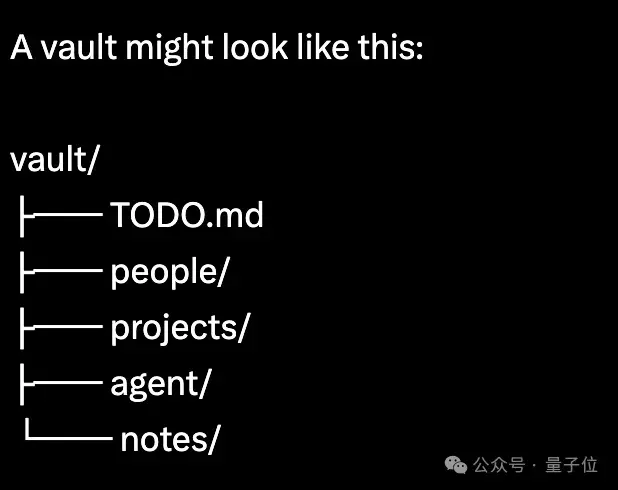
At the top-level AGENTS.md, he spells out the rules: whenever there are updates to people, project progress, to-dos being closed, and so on, the corresponding knowledge base entries must be updated accordingly.
In other words, he has largely given up Codex’s built-in memory system and stores core memory data in local, controllable files. That way, he can inspect and edit them at any time, compare versions to see what changed, and roll back with one click if something goes wrong.
The reason is simple: the more memory an AI carries, the less you should lock that data into a single platform.
Files, on the other hand, truly belong to the user. If you want to switch tools or migrate platforms later, you can just take the knowledge base with you—no worries.
He also mentioned Codex’s built-in memory feature, Chronicle, which builds context by capturing screen content.
But this is still an experimental preview feature that must be enabled manually, and it still has shortcomings in permissions, rate limits, and privacy. The direction is promising, but it’s not mature yet.
So in his view, the file system is still the most reliable memory infrastructure.
And Codex’s workspace itself is also getting better.
The Codex sidebar is no longer limited to chat; it can directly render Markdown, filter tables, and view PDFs and PPTs.
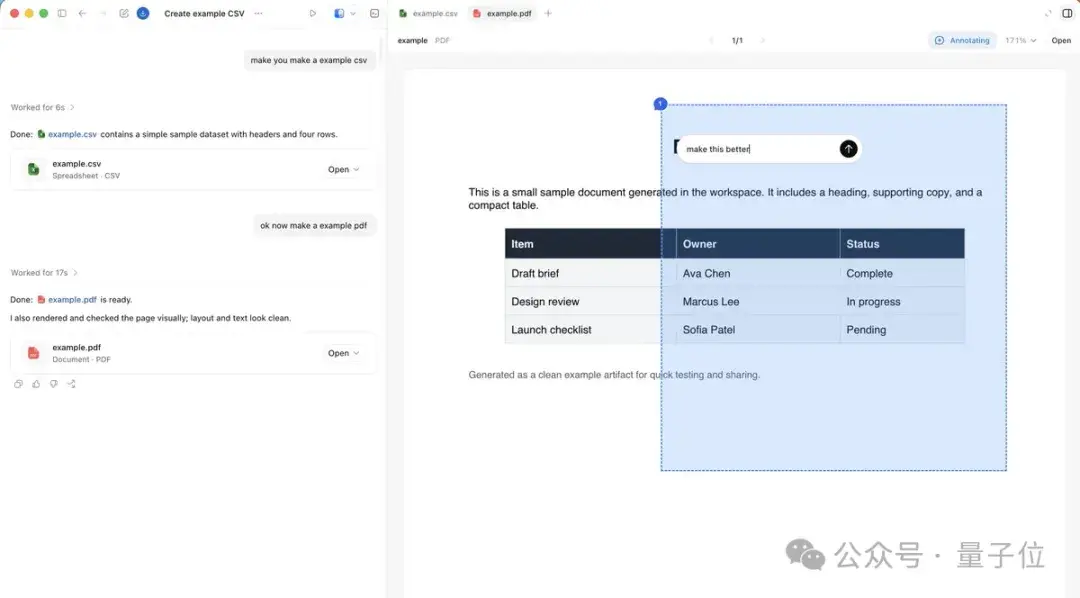
The Agent can also use the built-in browser to control web pages with JavaScript, so users can annotate while watching, without switching windows back and forth.
Jason says he often opens Storybook in the side panel to review UI components, uses Remotion Studio for animation, and uses Slidev for presentations.
And his favorite delivery format is a single-file index.html with JS and CSS—no deployment, no server, just open it and it runs.
In addition, he treats Connectors and Skills as reusable workflow templates.
Once he successfully completes something useful, he packages the process up. Next time, Codex doesn’t need to relearn it—it can just call it directly.
Codex also recently got remote capabilities: it can keep working after the computer is locked, and on mobile you can view, approve, or even take over tasks in real time.
Now it’s perfect: you clock out and it works overtime, you lock the screen and it keeps going. That’s how you rack up those extra KPI points…
Still, when AI can keep taking over work continuously, people themselves end up getting more and more relaxed (doge).
Reference link: https://x.com/jxnlco/status/2057153744630890620